 Savepoint
The admin panel
Runs on your computer, never on the site. It edits files in your repository, so you work in a local copy.
Start it
You need Node.js 20 or newer.
git clonehttps://github.com/your-name/savepoint.git cdsavepoint npm install cp .env.example .env # then fill in your keys npm run data:pull # your data branch into data/ npm run admin # http://localhost:3131
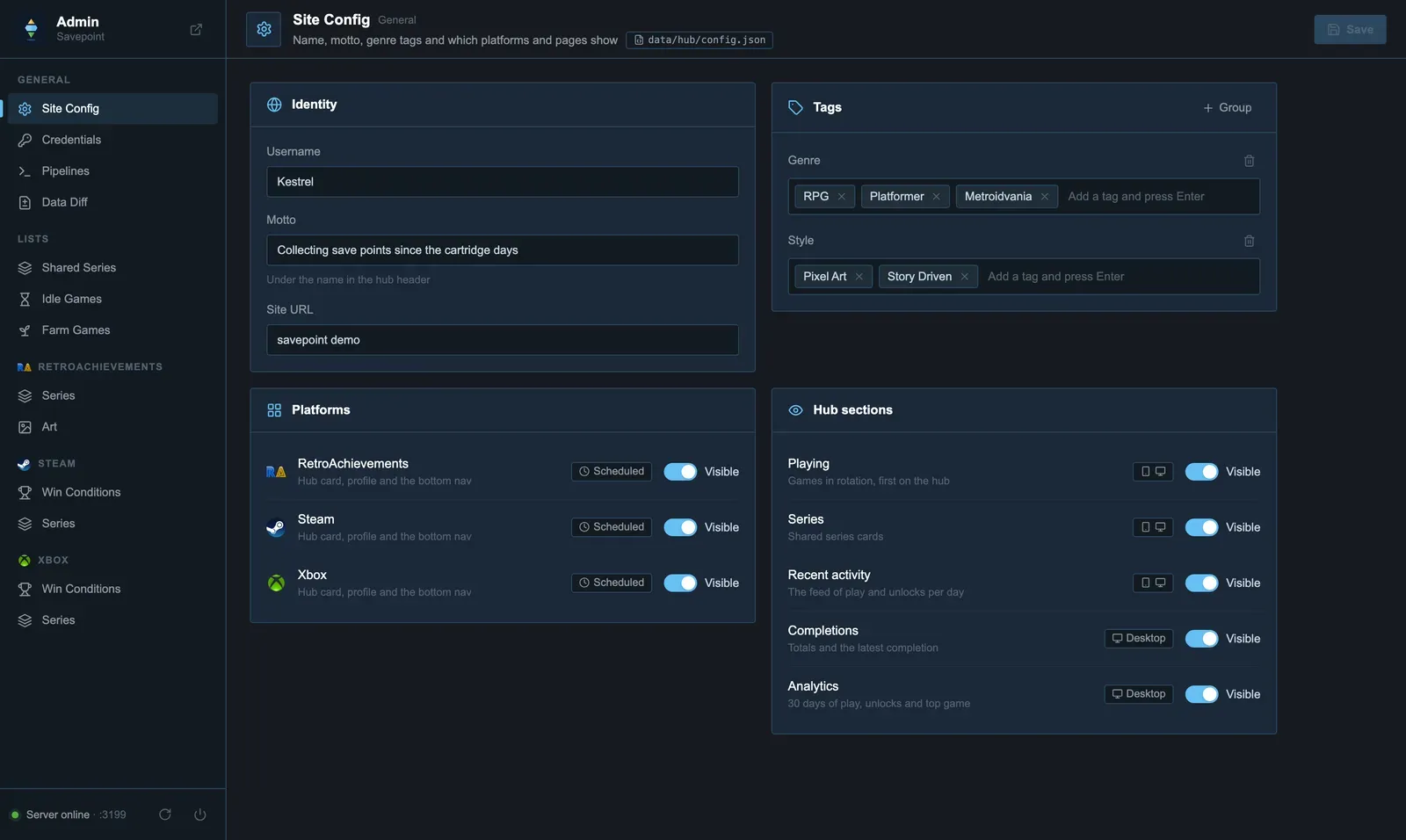
What each page is for
| Page | For |
|---|---|
| Site Config | Name, motto, tags, visible platforms and hub sections |
| Credentials | Your .env keys |
| Pipelines | Start real data runs (GH_DISPATCH_TOKEN), test runs on your computer, your cron-job.org jobs (CRON_JOB_API_KEY) |
| Data Diff | What you changed, then Commit, Push or Publish |
| Shared Series | Series that mix platforms, for the Series page |
| Idle Games | Games left running: their playtime is left out of Playing, Analytics and Memory Card, their unlocks count |
| Hidden / Farm Games | Leave a game, or an achievement farm, out of Playing, Analytics and Memory Card entirely |
| RetroAchievements Art | Wide art and stand-in icons from SteamGridDB (SGDB_API_KEY) |
| Win Conditions | The achievement that means “beaten” for a Steam or Xbox game |
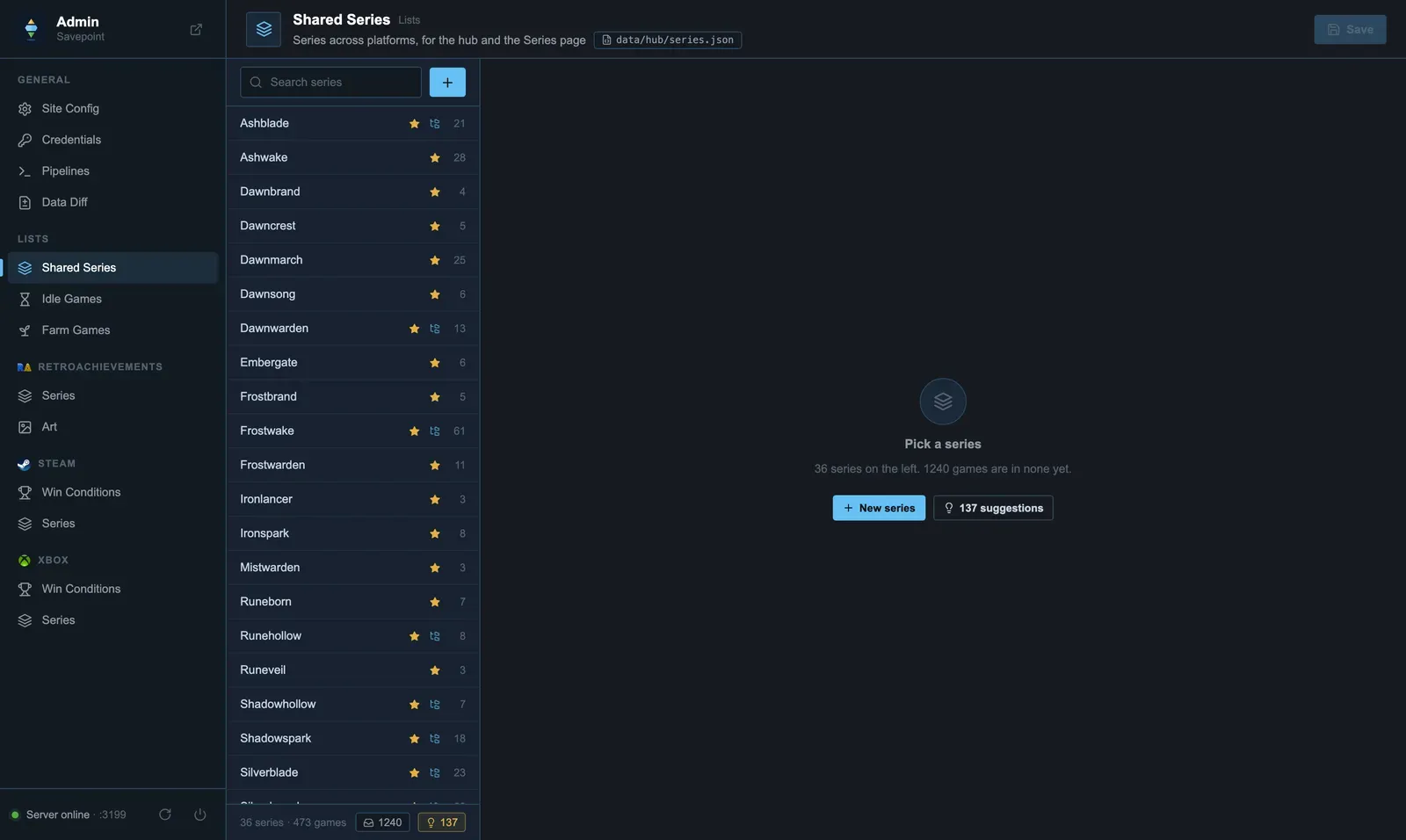
Saving writes files in data/; they reach your site when you commit and push them (Data Diff → Publish).